Guide
Documentation
Quick Start Guide
Welcome to the Quick Start Guide for the IDR Subscription SDK. This guide will help you set up and use the SDK in your projects quickly and effectively.
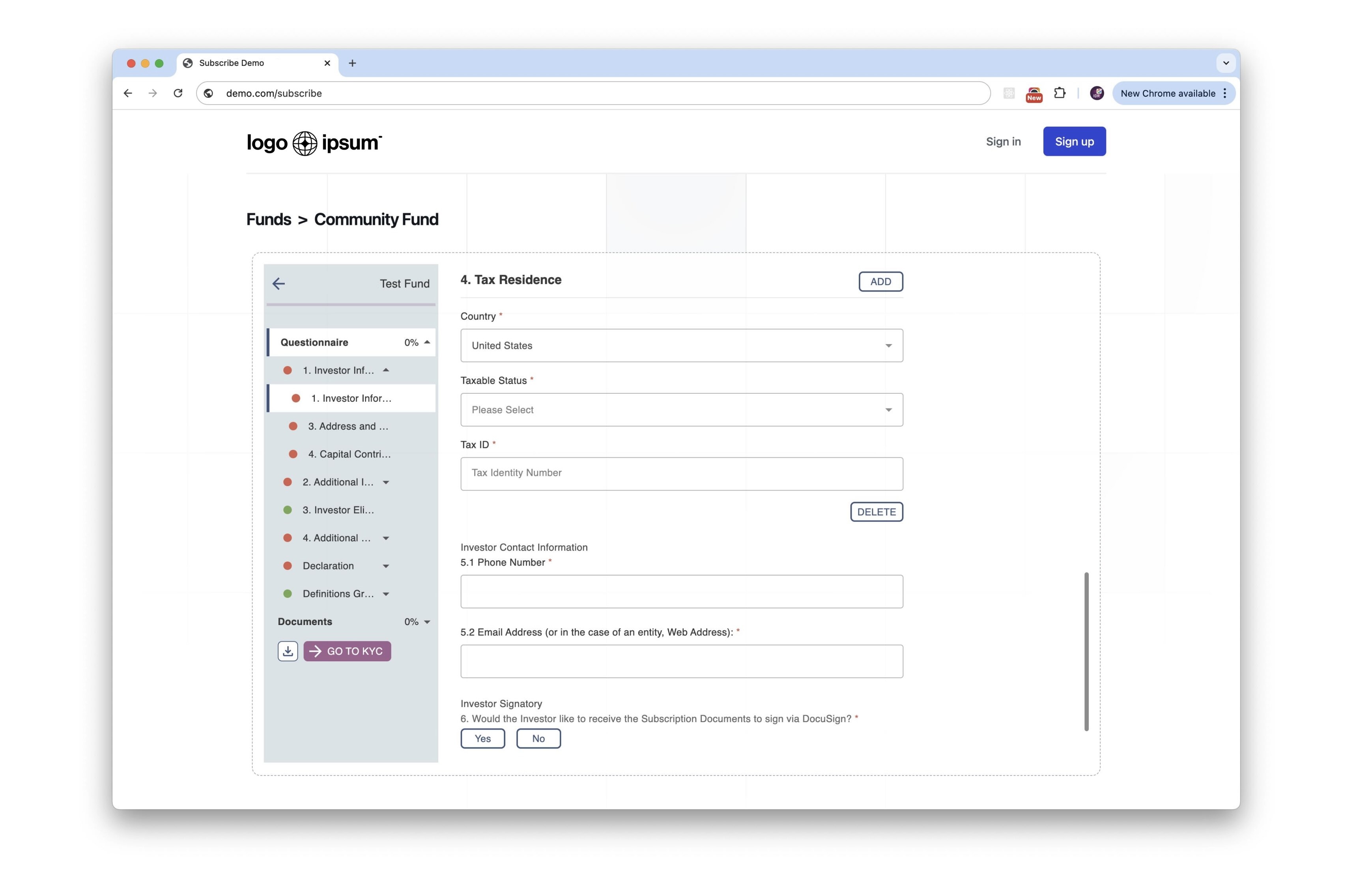
Overview: Everything you need
This guide contains the required steps to include the SDK on your website and quickly start rendering content.
<html>
    <head>
      <!-- Include the IDR SDK file -->
      <script src="idr-sdk.js"></script>

      <!-- Initialise the SDK -->
      <script>
        IdrSDK.init({
          apiKey: 'YOUR_API_KEY',
          // Define the container where the subscription content will be rendered
          container: '.subscription-container',
        });

        // Choose a URL to render and an optional CSS file for custom styling
        IdrSDK.renderUrl('YOUR_RENDER_URL');

        // Choose a callback action
        IdrSDK.on('subscriptionComplete', (data) => {
          console.log('Subscription Complete:', data);
        });
      </script>
    </head>
    <body>
      <div class="subscription-container">
        <!-- The subscription content will be rendered here -->
      </div>
    </body>
  </html>
Step 1: Include the SDK
To use the IDR SDK in your project, include the idr-sdk.js file in your HTML page:
  <html>
    <head>
      <script src="idr-sdk.js"></script>
    </head>
  </html>
Make sure to replace path/to/idr-sdk.js with the actual path to the SDK file on your server.
Step 2: Initialise the SDK
Before using any functionality, you must initialise the SDK. Call the init() method with an options object that includes your API key and the container to render content into:
  <script>
    IdrSDK.init({
      apiKey: 'YOUR_API_KEY',
      // Define the container where the subscription content will be rendered
      container: '.subscription-container',
    });
  </script>
The init() method will check if the SDK is already initialised, and ensure that the container and API key are valid.
Step 3: Render Content
Once the SDK is initialised, you can render content into the default container or a specified container:
  <script>
    // ...
    IdrSDK.renderUrl('YOUR_RENDER_URL');
    // ...
  </script>
If you don't specify a container, the content will be rendered into the default container provided during initialisation.
Step 4: Define a Callback (optional)
Choose a callback action upon successful subscription, if needed:
  <script>
    // Define a callback function (optional)
    IdrSDK.on('subscriptionComplete', (data) => {
      console.log('Subscription Complete:', data);
    });
    // ...
  </script>
Step 5: Generate a Customisable Stylesheet (optional)
The IDR SDK supports custom styling to match your brand identity. We work with you to create a tailored stylesheet that seamlessly integrates with your website's design.
How It Works
- Contact our team with your branding requirements
- We create a custom stylesheet based on your brand guidelines
- We provide you with a unique stylesheet URL to reference to include in your SDK initialisation
  <script>
    IdrSDK.init({
      apiKey: 'YOUR_API_KEY',
      container: '.subscription-container',
      // Reference your newly created stylesheet
      stylesheet: 'https://cdn.idr-sdk-demo.com/styles/your-company.css',
    });
  </script>
Customisable Elements
- Color schemes
- Typography
- Button styles
- Form elements
- Input fields
- Modal designs
- Spacing and layout